


Filament Specifications & Printing Parameters
| Material | Kynar® PVDF copolymer |
|---|---|
| Color | Black |
| Filament diameter | 1.75 mm or 2.85 mm |
| Diameter tolerance | ±0.05 mm |
| Net filament weight | 1 kg |
| Print temperature | 250 °C |
| Build plate temperature | 100 °C |
| Print speed | 10–30 mm/s |
| Build plate adhesive | PVA glue |
| Build surface | PEI or glass |
Fluorinar-B™ Black PVDF Filament
Fluorinar-B™ Black PVDF Filament
Made with Kynar® PVDF · 1 kg spool
Couldn't load pickup availability
Fluorinar-B™ is Nile Polymers’ black PVDF 3D Print Filament made with Kynar® for chemical-resistant functional parts, prototypes and custom components in industrial, laboratory and engineering applications.
Available in 1.75 mm and 2.85 mm diameters on 1 kg spools.
Explore Fluorinar-C™ PVDF Filament made with Kynar®.
Try Fluorinar-B™ before buying a full spool
Try our 100 g Fluorinar-B™ black PVDF filament sample to assess filament feeding, build plate adhesion, print settings and finished parts on your equipment.
Compare Fluorinar-B™ & Fluorinar-C™
| Feature | Fluorinar-B™ | Fluorinar-C™ |
|---|---|---|
| Diameter options | 1.75 mm or 2.85 mm | 1.75 mm or 2.85 mm |
| 1 kg spool price | $250 USD | $250 USD |
| Stock by diameter |
1.75 mm — view stock 2.85 mm — view stock |
1.75 mm — view stock 2.85 mm — view stock |
| ISO 10993-5 cytotoxicity testing | Not covered by the Fluorinar-C™ test | Grade 0 (no reactivity); view test details |
Both grades are made with Kynar® PVDF. Fluorinar-B™ uses a 250 °C print temperature; Fluorinar-C™ uses 255 °C (250 °C for the first layer in the supplied project). Use the project supplied for your grade. Diameter options are listed above; follow the stock links for current availability.


Printing Guide & Resources
Bambu A1 Print Profile
Fluorinar-B™ · Bambu Studio
Start with the settings included.
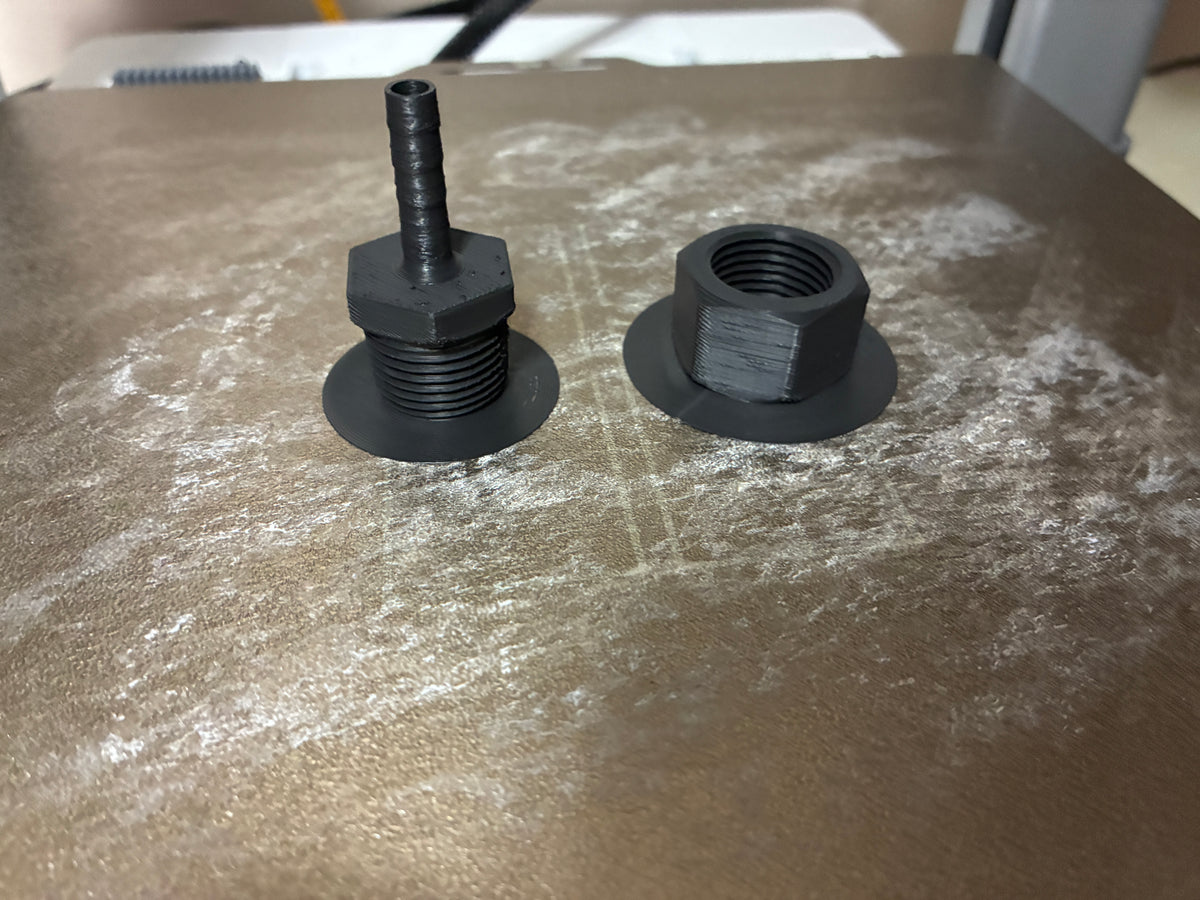
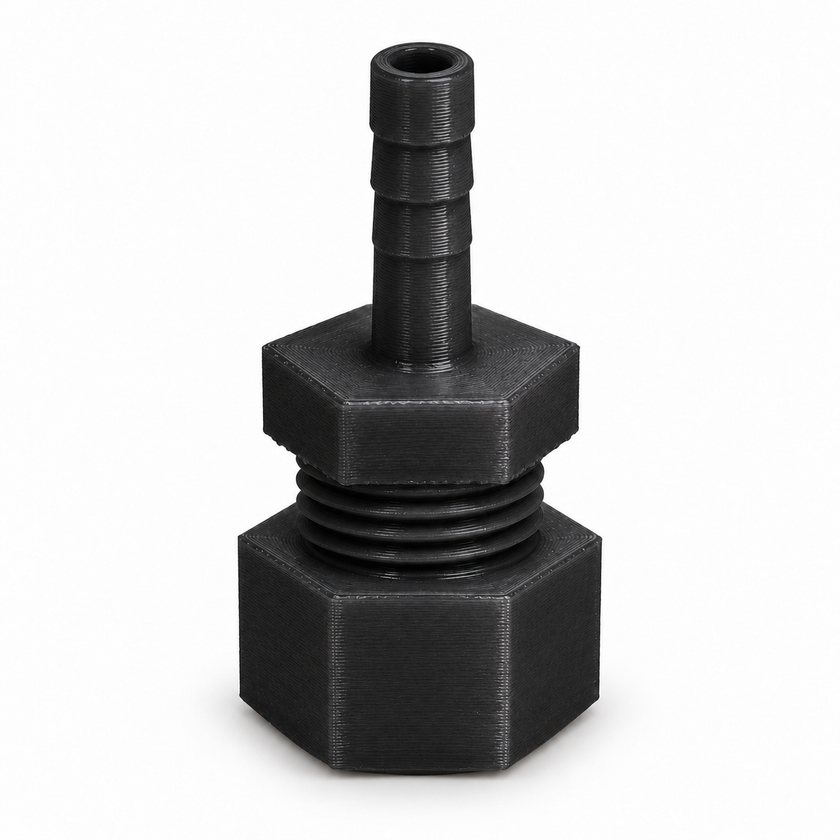
Download the Fluorinar-B™ Test Coupling with filament and print settings included.
Download Fluorinar-B™ Test Coupling (.3MF)Bambu Lab A1 · 0.4 mm nozzle · 1.75 mm filament · Textured PEI plate
Version 1.0 · Open as a project in Bambu Studio. No separate presets to install.
Save the Fluorinar-B™ Test Coupling to your computer.
Choose “Open as project” to load the parts and included settings. Confirm your A1 and 0.4 mm nozzle.
Confirm your printer, nozzle, build plate and filament mapping. Use the printer’s default settings, then slice and print.
Reopen the Fluorinar-B™ Test Coupling, remove the test parts and import your own model. Assign it to the Fluorinar-B™ filament entry and use Save As to keep your new project.
Do I need to save the presets?
No separate preset installation is needed to use this project. To make the settings available in new projects, save both the Fluorinar-B™ filament preset and the process preset in Bambu Studio. The filament preset holds temperature, flow and cooling settings. The process preset holds layer height, speeds and other print settings.
What should I check before the first print?
Select the textured PEI plate and prepare it for PVDF printing. Both test parts use the Fluorinar-B™ preset in the third project filament entry. Map that entry to the AMS Lite slot holding your Fluorinar-B™ spool; the other filament entries are unused. Use the printer’s default settings, then slice and print.
Can I use a different printer or nozzle?
Yes! These printing parameters are a useful starting point for other Bambu printers and nozzle sizes. Some combinations may benefit from additional optimization.